“In 2022, TB killed 1.3 million people, according to the World Health Organization — more than covid-19 or malariaor HIV. Each week, 25,000 people die of TB, a bacterial infection that primarily attacks the lungs.”
Michael Koerner was my dad. That’s hard to write. “Was”. There’s not much new to be said about the death of a loved one after centuries of human experience, especially those who are the closest to our hearts. But that’s what I’m going to do, because this is my dad. And I loved him.
My dad was born in St. Louis, Missouri on August 6th, 1951. The internet says it was a Monday, and hot (92ºF). He doesn’t remember that. He grew up in south St. Louis City, Affton, and was the second oldest of four children. His parents worked hard to provide a safe and loving home and they did. Something that we Koerners continue to strive for today. He had a typical lower-to-middle-class upbringing. Running around the neighborhood getting up to no good, cooling off on the porch roof on a hot summer night. Hanging out with his younger brother Greg. Grandma, Georgia, never learned to drive, having access to public transportation – and Grandpa, Christ, did own a car and would take her wherever she needed. They both worked and cared for their children.
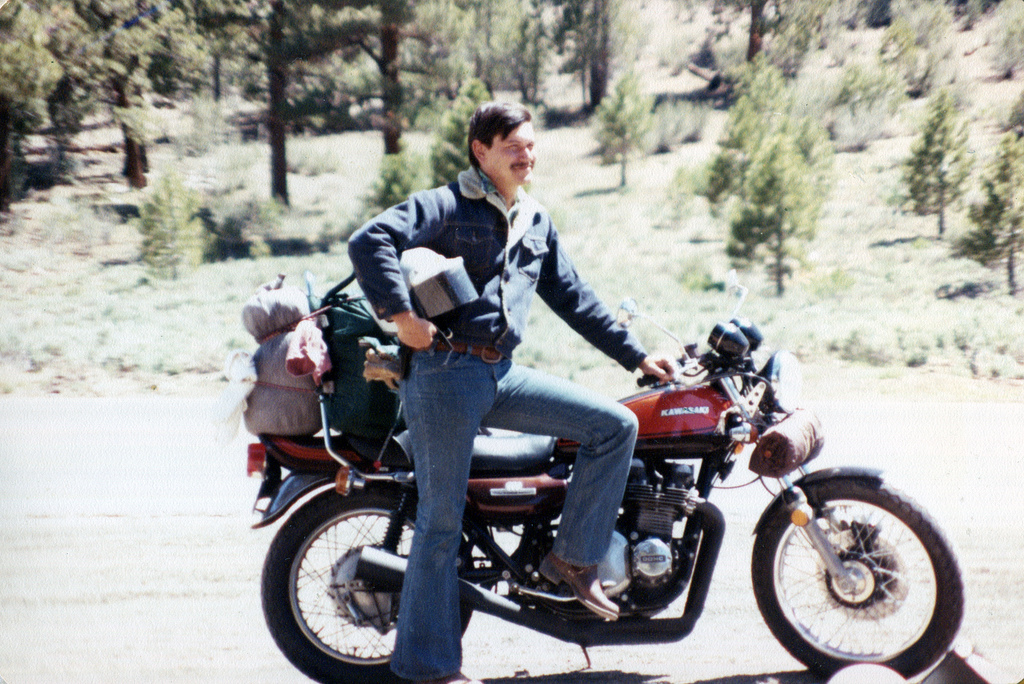
After high school he tried college. Forest Park Community College, but ended up joining the Navy. He spent a few years aboard the USS Reasoner. Even after only serving four years, he had a lifetime of stories to tell. About the people he met and befriended and the places he saw. Southern California – where he met his first wife and my mother, Carla, Vietnam and the Philippines, Washington state and even a little bit of Alaska, by way of motorcycle.
My dad on his trip from San Diego to Alaska
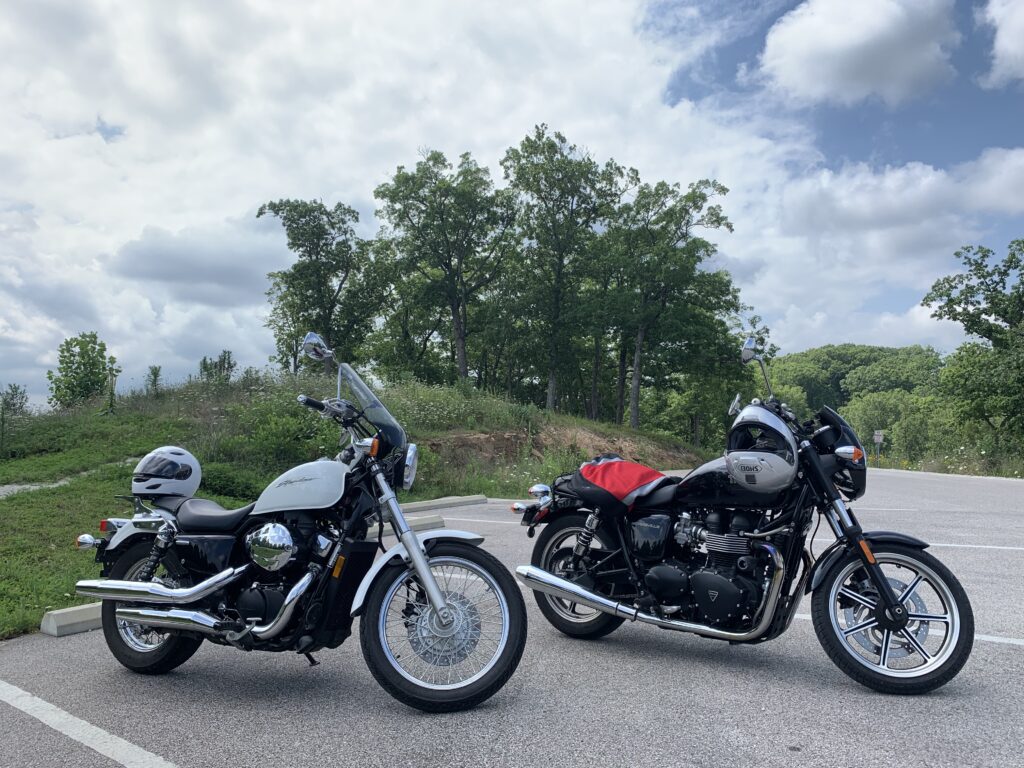
Oh I should mention motorcycles – or really my father’s love for anything with wheels and a motor.
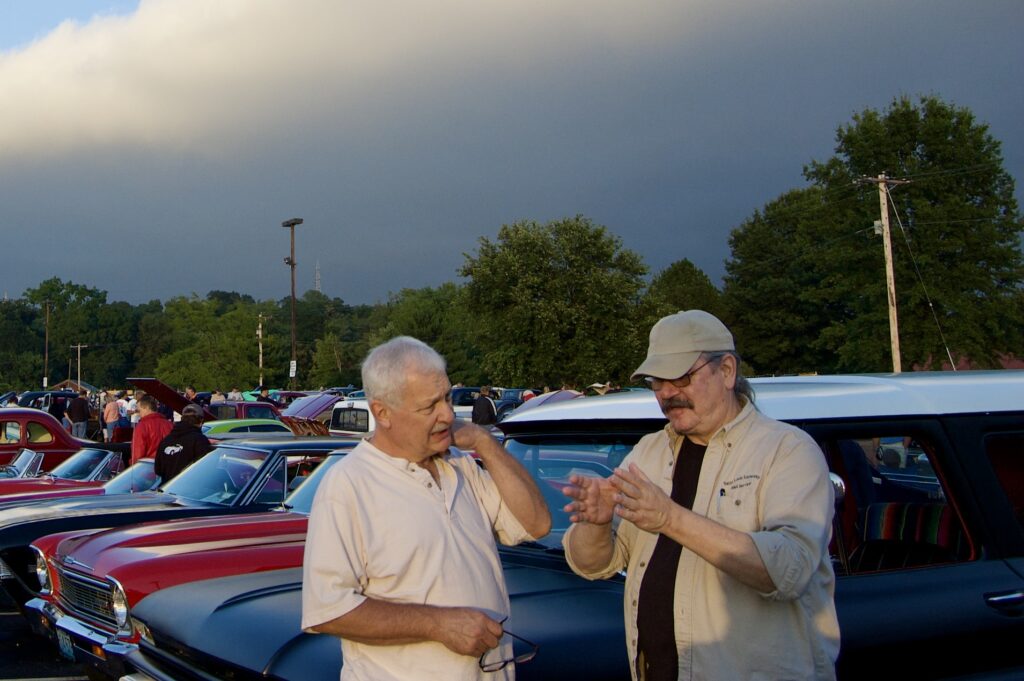
A car aficionado since childhood, my father could look at nearly any vehicle on the road (or often in a parking lot at a local car show) and tell you numerous indelible things about the construction, performance, and culture around it. If it has a 404 (a size of motor), but came from the factory with a 306, he’d know what make and trim and year and…well, you get the picture. He was at every Easter Car Show in Forest Park for the last 30 some odd years. Even the little local ones every month, April through October.
My dad at a car show with his good friend Marty. Explaining something about a car. 🙂
Mike, sorry, Michael – he was big on proper names2, not that he ever chided anyone for shortening them – spent his forty-something years of employment working in warehouses and mailrooms in higher education institutions. First at Washington University’s Central Stores, and later Saint Louis University. He worked hard and smart. Never making a trip back-and-forth empty-handed.
He defied the oft too common stereotypes of a motorcycle-riding, blue collar worker by being a fan of the arts. Which makes sense when you work for universities I suppose. Nah, my dad was just a voracious learner, a critical thinker, a common sense maker. A set of skills that continue to be passed down.
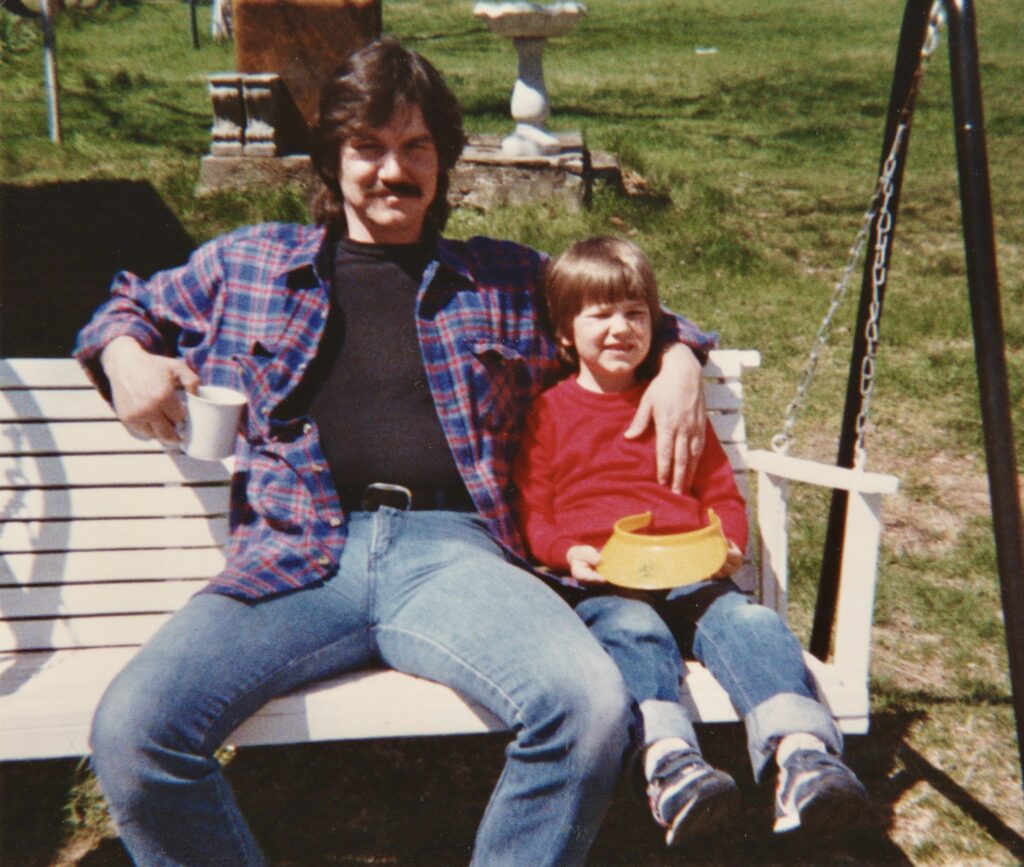
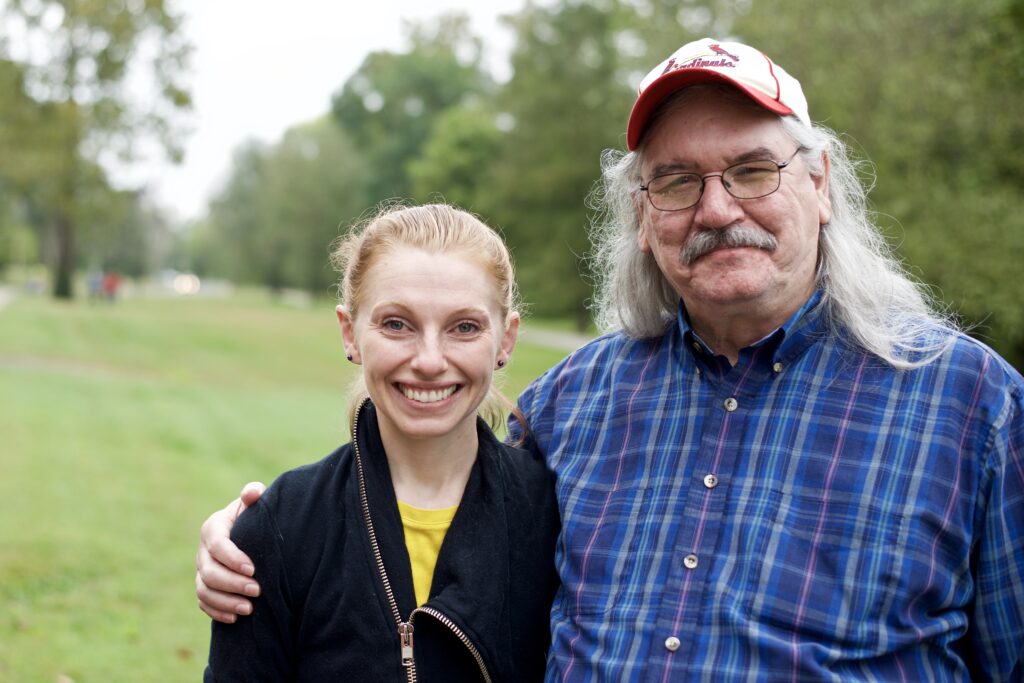
My dad and I out at the farm
He was kind and loving. You couldn’t get off the phone without saying, “I love you too”, and even in my teenage years – and much to my chagrin – I always appreciated the affection he shared with me and many others. He showed up so many times throughout my life – all the way up until the end. He always told me how much he was proud of me.
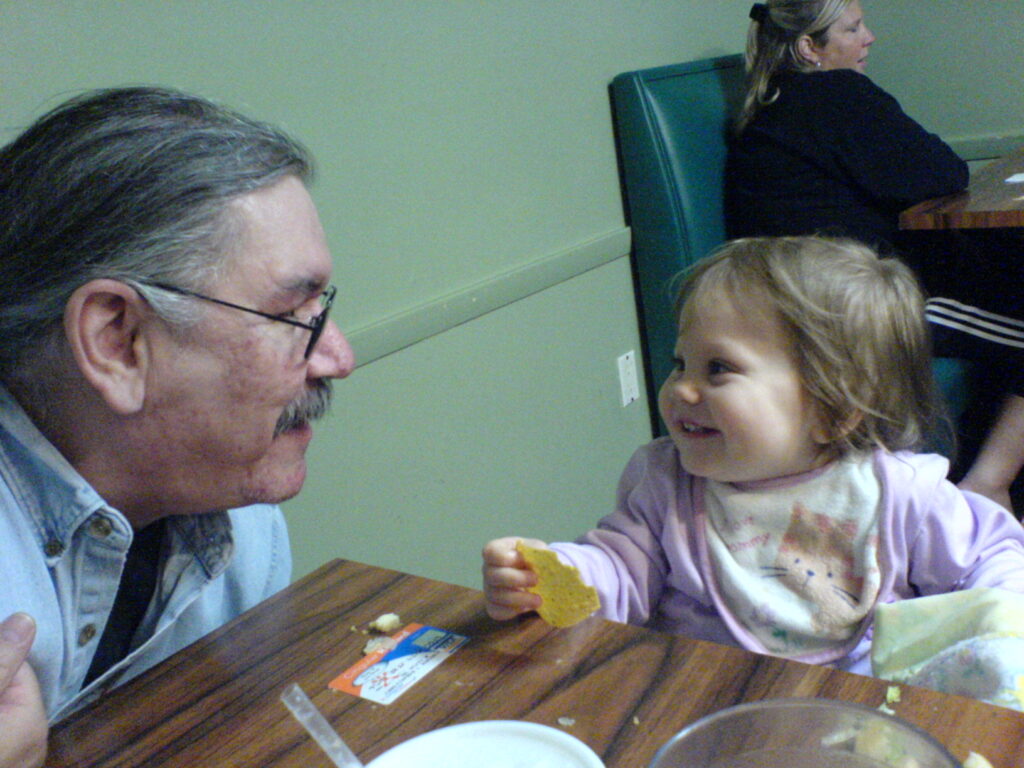
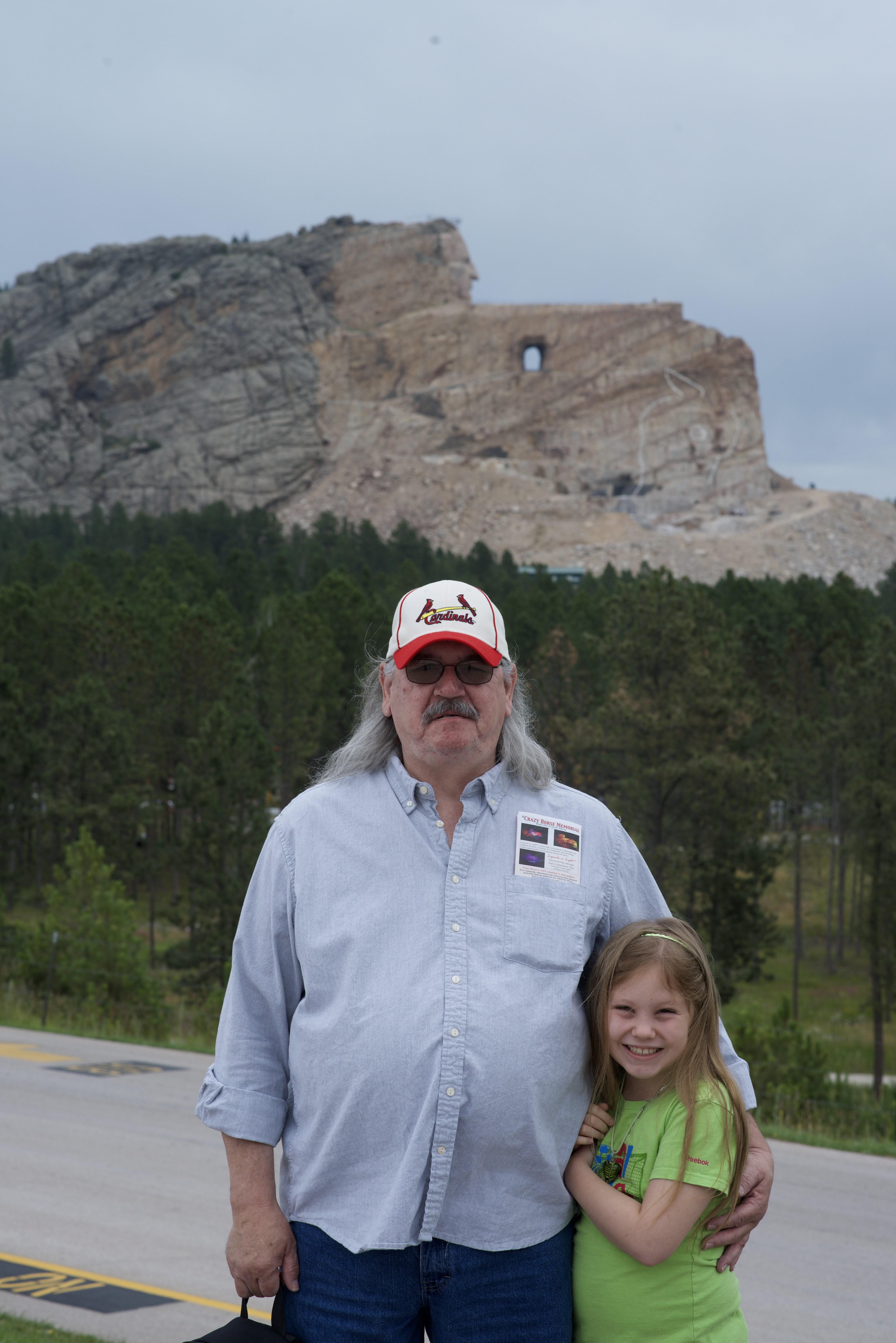
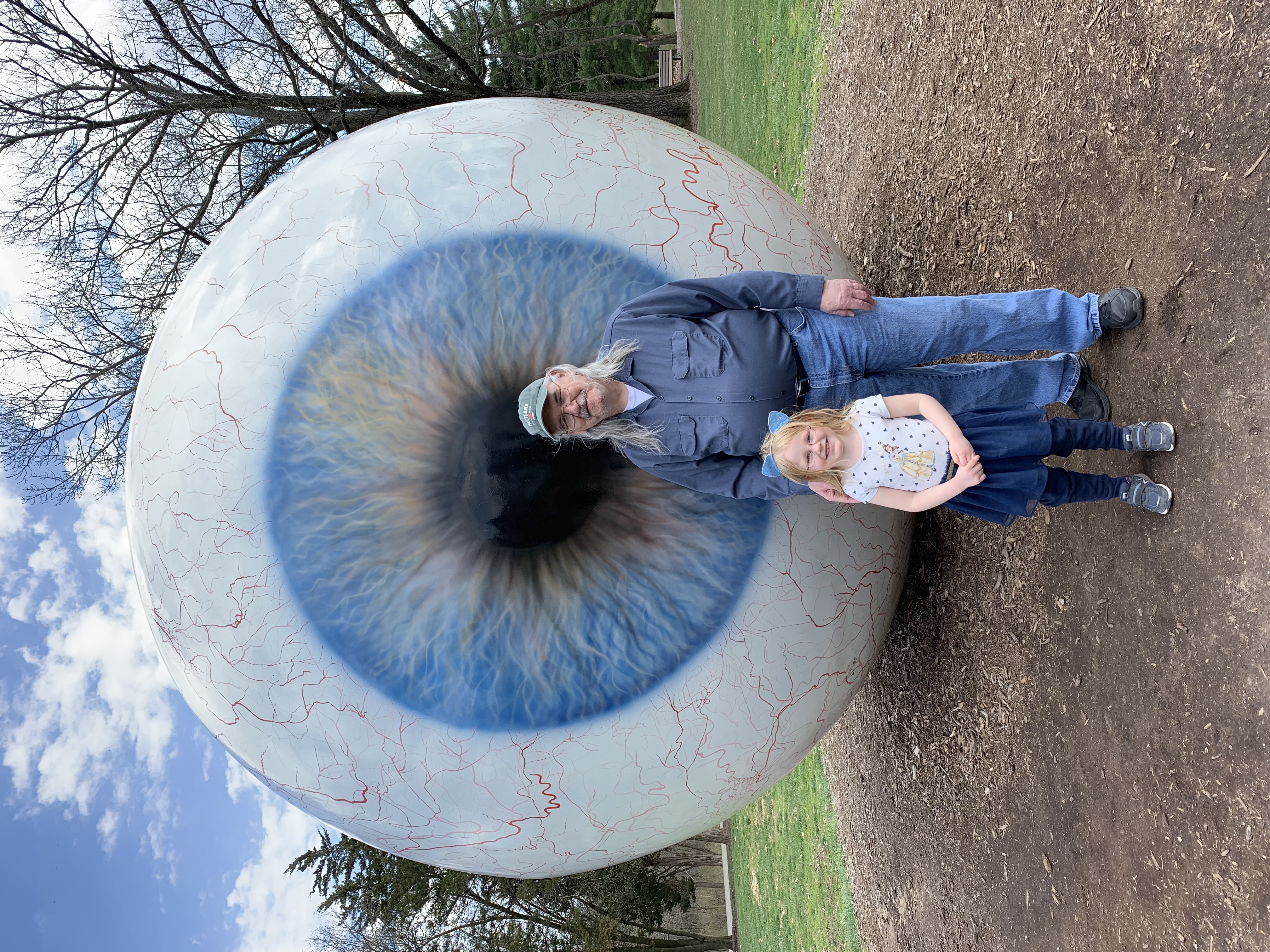
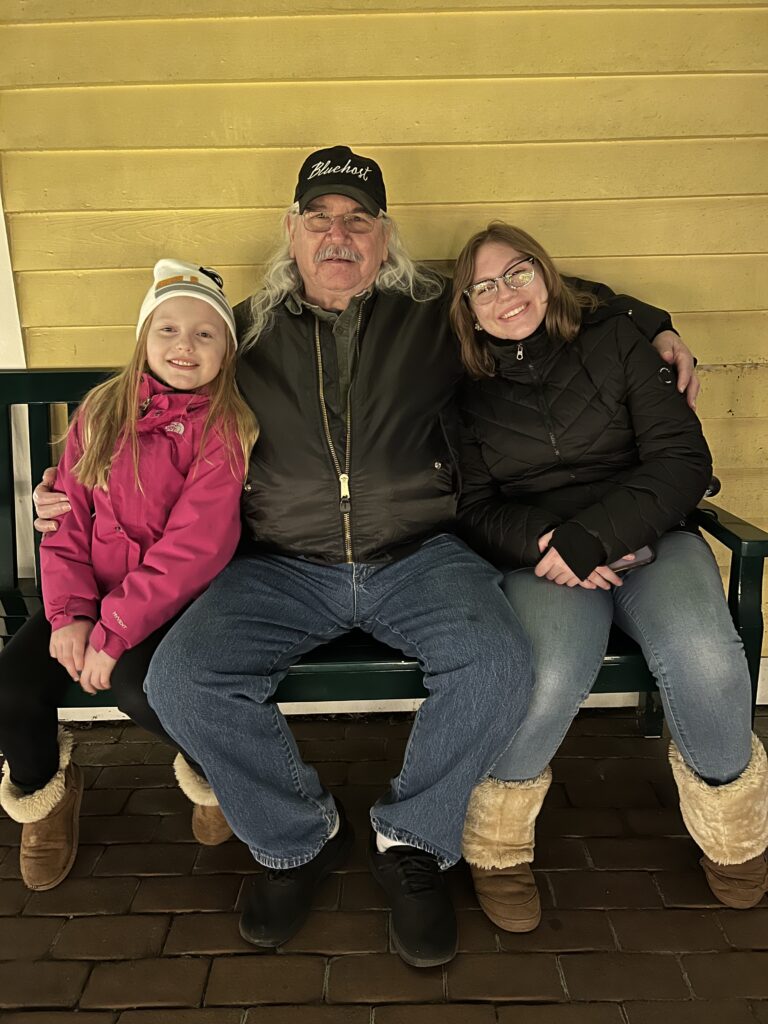
He adored being a dad and eventually a grandfather, lovingly known as Pop. Pop attended every dance recital, choir and orchestra concert, soccer game, and numerous other events his granddaughters do. Most recently he helped his oldest granddaughter Kari complete her Eagle Project. He welcomed my wife of now 20 years, Jackie, with such admiration and care that she was taken aback by the first hug and has loved every one since.
Pop and the family
My dad was an avid reader. Of sci-fi, westerns, fantasy – anything with a good story and quick-witted dialog. He even started writing a few of his own stories, unpublished, but loved.
He loved the movies. Film was a big way he and I bonded. Sharing the experience of being in front of a big screen and kibitzing afterword about the plot and characters and special effects. Oh, and going back to the mistaken stereotype, my dad loved the theatre. His favorite show was Mama Mia. A musical based on ABBA songs! I think he’d seen it enough times that they could have asked him up on stage to fill in as an understudy. We loved the Fabulous Fox Theatre and the hundreds of experiences of a live performance. A many blessed memories with the Vogelsangs (his godmother Martha and cousin Pat) and many others.
Education was crucial to my father. Working at universities (and being aware of the world) he always drove home the importance of being open-minded and continually learning. He worked these physically demanding, not very well paying jobs, so I could go to school. My going to college was very important to him – that I could have, and succeed, in a life better than the one he had.
They say a way to a man’s heart is through his stomach and that has never been more true than with my father. He loved to try a new place to eat, to take us out for a casual burger, and to enjoy a home cooked meal. He stuck to the more traditional fare, but he never turned down trying something new.
Never quite a trendsetter, my dad is proceeded in departing this life by his parents, Georgia and Christian, his brother, Gregory and sister, Barbara. He leaves behind a sister, Helen. He is proud of his son Christopher, his wife Jackie, and their two daughters, Kari and Kori. As we were of him.
Kori, Pop, and Kari at the Garden Glow, 2023
To tell a story is to have one’s memory live forever. Please watch a film with a loved one and tell a story or two. Pick up a good book and read it aloud to someone. Travel. Go someplace new, even if it’s just a restaurant across town.
If you’re interested, my dad asked that donations be made to the Ronald McDonald House Charities of St. Louis.
He didn’t want a funeral or a burial ceremony. “None of that dreary stuff”, he said. I don’t think he’d want a traditional obituary either, hence, the more casual and conversational tone in this one. Something I think my father was known for. If you want to pay a visit, he is interred at Jefferson Barracks National Cemetery.
A gathering will be held in the near future to celebrate his life. Where we can come together and share stories of him.
Wow. I watched this across multiple sessions and it was worth every minute. It’s a well-researched and engaging essay by hbomberguy, an essayist known for his really in-depth videos. This video starts talking about examples of people taking verbatim from other writers and creators with no care for proper credit or respect. Then it gets really deep into one incredibly unfortunate instance.
As an aside to the main narrative of the video, I think it also hits on the importance of digital literacy and critical thinking skills. If the average person can’t separate the cheap knock-off shit from actual work then we’re doomed. We’ll learn things that are not true by people who appear as educators but are actually charlatans. It’s hard to unlearn things and this grifter-level shit just makes it harder to have a shared understanding of a topic.
The people being called out in this video themselves don’t appear to know (or maybe they do know, which is even worse) how actual research and citation works! They just want to make a quick buck. Ugh.
I’m going to sound like an old man, but what if young, impressionable, people are watching this? Do they grow up thinking this is how it’s done? Where, like, they might think plagiarism is just how you get by and everybody does it so it’s OK. Are they even aware they’re being fed BS? I wonder if this sort of lazy work reinforces the roundabout logic of “my side can’t win so I reject reality” we see so often when folks are presented with information that contradicts their understanding.
The whole thing boils down to if you don’t understand how to cite your work, you end up making a bad book report.